Sharing Folders and Albums
After pairing your devices, choose what each one may browse and copy. A grant exposes only the scope you choose; the receiver decides which files to pull. Sharing never moves or deletes the sender's originals.
Choose What to Share
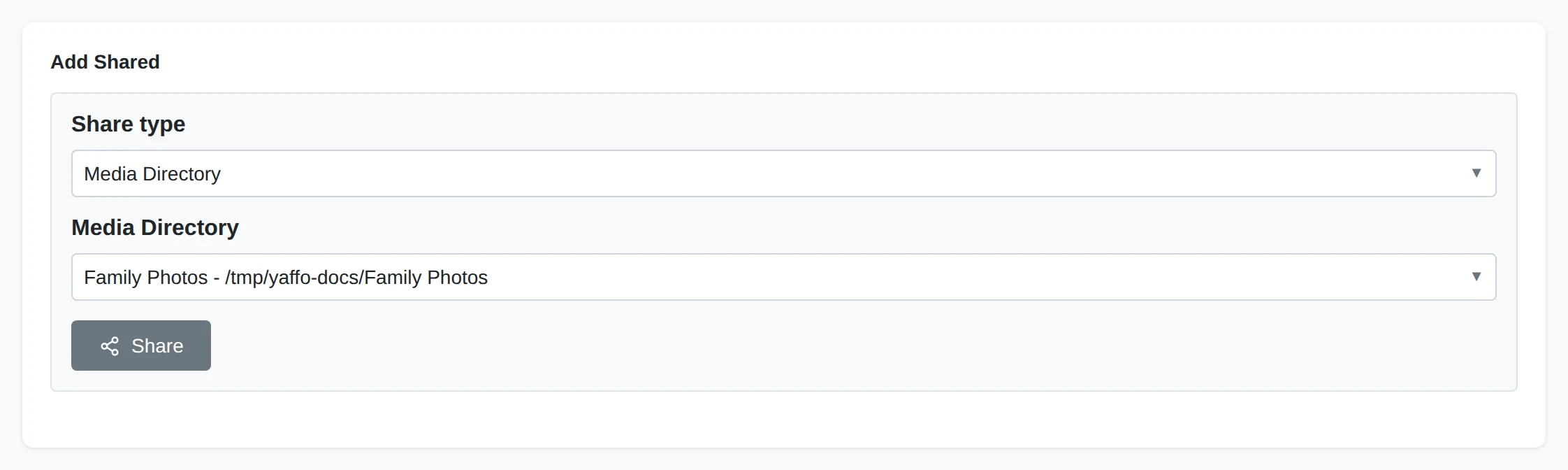
On the installation with the photos, choose the paired device in the sidebar. Under Add Shared, choose the scope, then choose Share.
Share Type
Choose Media Directory, Folder, or Album. Pairing alone grants none of these scopes.
Shared Location
For a media directory, select one configured in Settings. For a folder, enter or browse to a folder inside a configured media directory. For an album, select one of your albums.
Grant Access
Share grants this device access to the chosen scope. Sharing the same scope again does not create another copy of the grant.
A media-directory share covers its library tree. A folder share limits access to that folder's subtree. An album share follows the album's current membership, including members stored in different media directories. It does not expose the rest of those directories. You can also use an album's Share dialog; see Albums.
Review or Revoke a Share
Outbound Shares
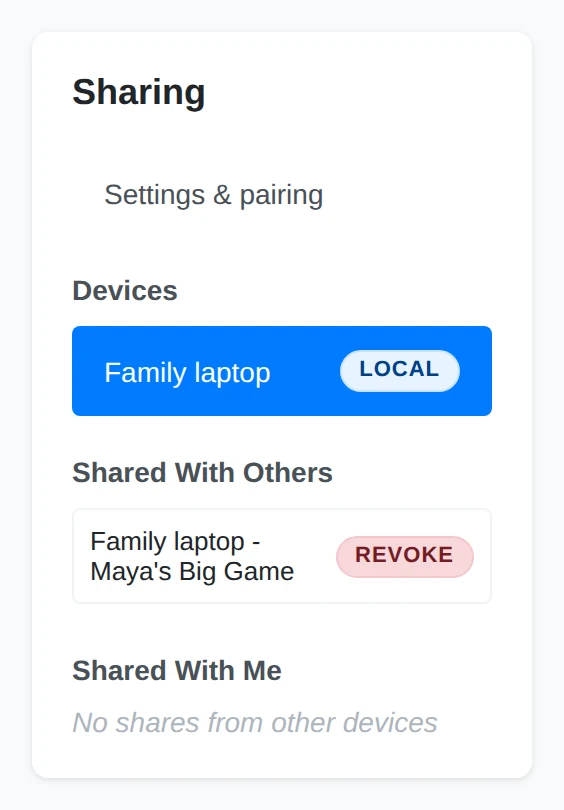
Shared With Others lists the scopes this installation exposes. Choose the row's Revoke action and confirm to stop sharing that scope with that device.
Incoming Shares
Shared With Me lists scopes offered by your paired devices. Choose View to browse one. Pairing without a grant leaves this list empty.
Revoking a share keeps the pairing and any other grants. It does not remove files already copied to the receiving device.
See Receiving Photos for the steps on the other device.